·
KOLL app icon

KOLL

Family life, kept together. A shared organiser for iPhone and Mac: the things you own, the to-dos, the reminders and the notes — for the whole family, in one place.

Things · To-dos · Reminders · Notes · syncs through your own iCloud · shared with the family you invite · works offline.


Coming soon to the App Store. Free to use; KOLL Pro is a one-time purchase of USD 4.99 (around 59 kr / 4,99 €).

No accounts, no ads, no tracking. Your data lives on your devices and in your own private iCloud.
What the app does

01

Things

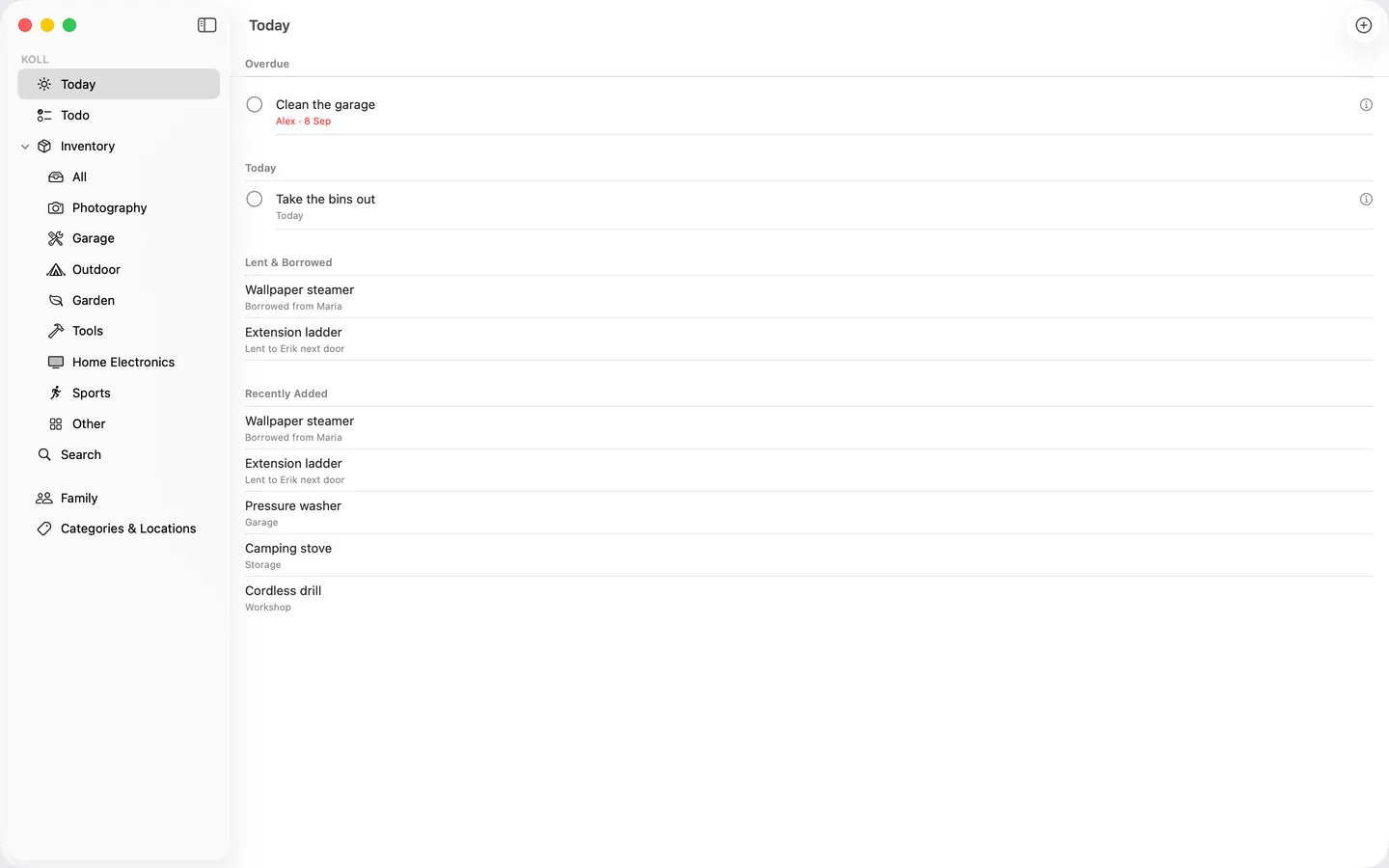
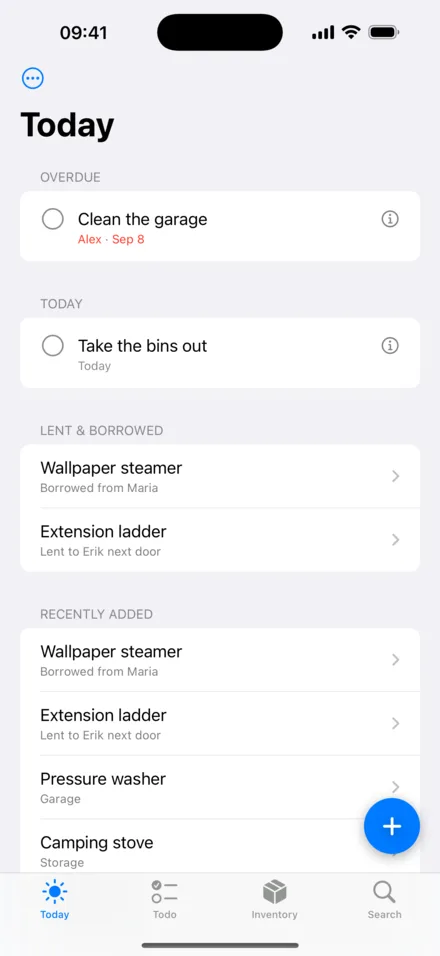
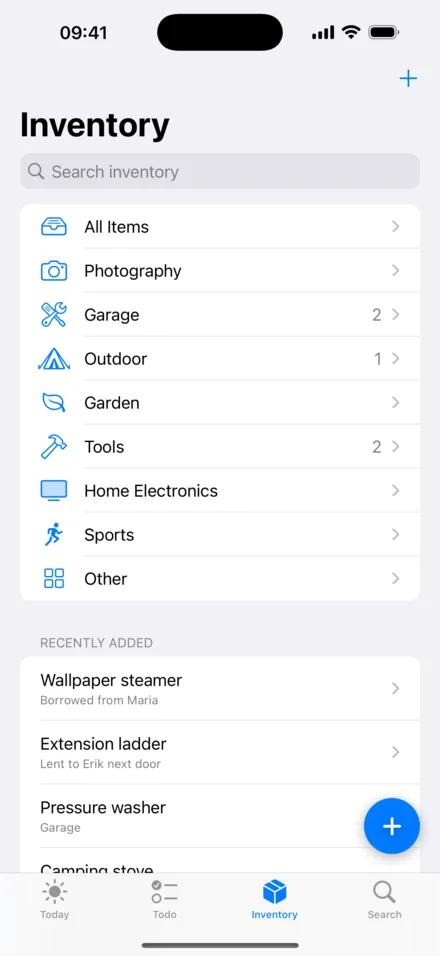
Keep track of what the household owns. Give each Thing a category and a place, add photos, and note the warranty and where the receipt is. Things are searchable from Spotlight, so you can find them without opening the app.

02

To-dos, Reminders and Notes

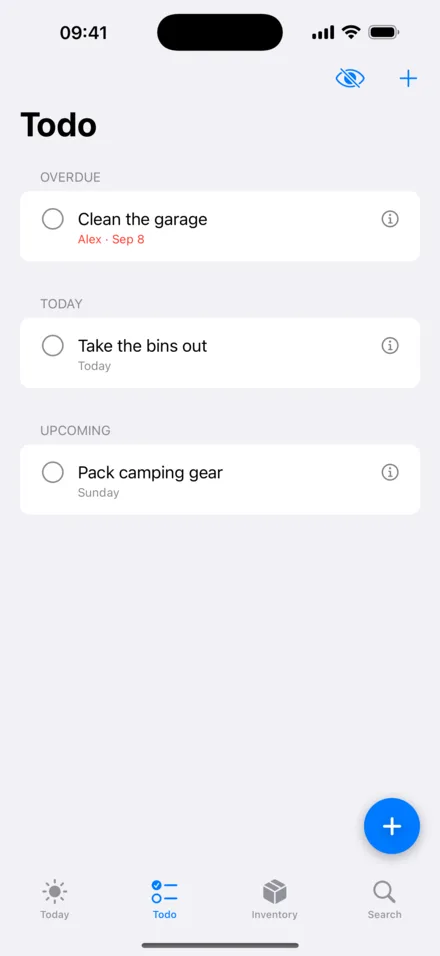
Shared to-do lists, reminders that notify you on the device you are holding, and notes for everything else. Everyone in the family sees the same lists.

03

Your iCloud, your family

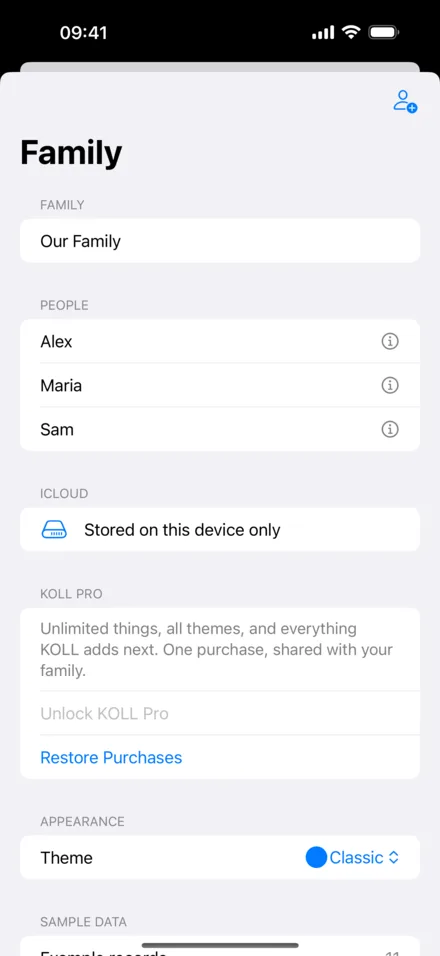
Data is stored in your own private iCloud database and syncs between your iPhone and Mac. Invite family members through iCloud sharing and they see the same Things, lists and notes. Works offline; syncs when you are back online.

04

Built for iPhone and Mac

Siri and Shortcuts (“Add to KOLL”, “Find a Thing”), Spotlight search, local notifications for reminders, three themes (Classic, Forest, Midnight) and full VoiceOver and Dynamic Type support. Requires iOS 18 or macOS 15.


Free or Pro

Always free

  • To-dos, Reminders and Notes
  • A limited number of Things
  • The Classic theme
  • iCloud sync and family sharing

KOLL Pro — USD 4.99, one-time purchase

  • Unlimited Things
  • All themes: Classic, Forest and Midnight
  • Family Sharing enabled — buy once for the whole family

Around 59 kr / 4,99 €. Purchases are handled by Apple.


Your family’s data stays your family’s.

KOLL has no accounts, no analytics, no ads and no tracking. Everything is stored on your devices and in your own private iCloud database, which INNOMEGA cannot access. Sharing only happens when you explicitly invite a family member through iCloud sharing. Delete the app and its iCloud data, and everything is gone.